Think about what your spending history says about you. Where you live and shop. When you’re awake. What you eat, where you travel, which pharmacy you visit, which subscriptions you keep, how much you earn and how close you run to zero at the end of the month.
That’s a remarkably detailed portrait of a life. So it’s worth asking, before you choose a budgeting app: where does all of that data actually go?
Two broad approaches
Most expense trackers fall into one of two camps.
Cloud-connected apps store your data on the company’s servers. Many also connect directly to your bank so transactions import automatically. You sign up with an account, and your data syncs across devices.
Offline (local-first) apps store your data on your phone. There’s usually no account to create. Your entries stay on the device unless you choose to export or back them up.
Neither approach is automatically “good” or “bad”. They make different trade-offs, and the right one depends on what you value.
What you gain with cloud apps
- Automatic imports. Bank-connected apps can pull in transactions without you typing anything.
- Multi-device sync. Log on your phone, review on your laptop.
- Sharing. Some support shared budgets for couples or households.
These are real benefits. If you’re managing complex finances across many accounts, automatic imports can save genuine time.
What you give up
- Your data lives somewhere else. It sits on servers you don’t control, protected by security practices you can’t inspect. Any online service can suffer a breach.
- Bank connections involve credentials or access tokens. Many bank-linking services work through third-party aggregators. It’s worth reading exactly what access you’re granting and to whom.
- Business models matter. A free app has to make money somehow. Read the privacy policy to understand whether your data is analyzed, aggregated or shared, and for what purposes.
- Dependency. If the company shuts down, changes its pricing or discontinues a feature, your financial history may go with it unless you’ve exported it.
- Automatic can mean passive. When transactions flow in by themselves, it’s easy to stop looking at them. Some people find that manually logging a purchase is exactly what makes them notice it.
What offline apps offer
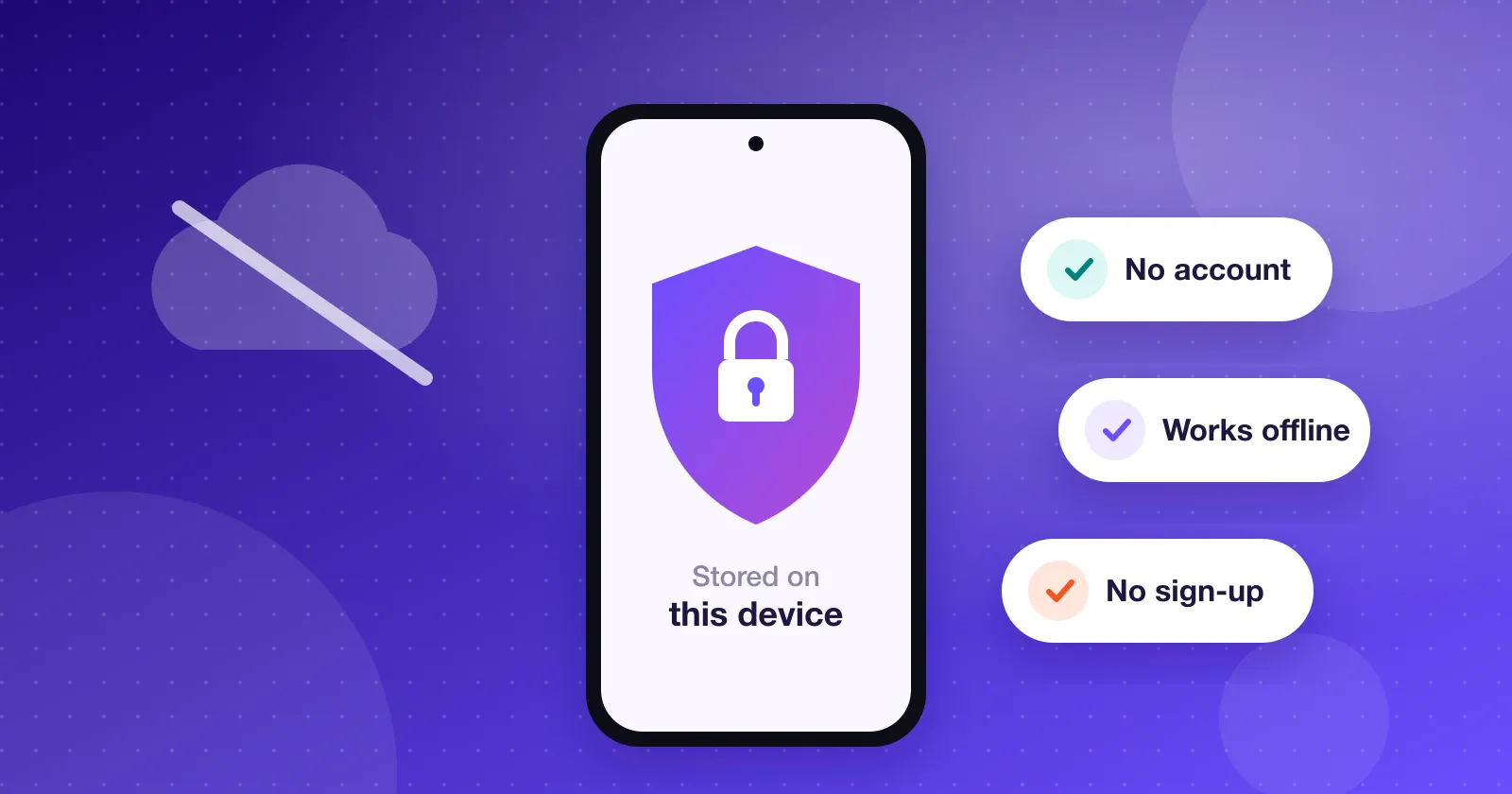
- Your data stays on your device. No account, no server holding your history.
- It works anywhere. No signal on the train, abroad without roaming, or in a basement shop? Logging still works.
- Speed. Nothing to load from a server, so the app opens instantly.
- Mindful tracking. Entering each purchase yourself keeps you aware of where the money goes.
What to watch out for with offline apps
Local-first has its own responsibilities:
- Backups are on you. If your phone is lost or reset and you have no backup, your history can be lost. Look for an app that makes exporting and restoring easy, and use it.
- No automatic imports. You log entries yourself. A good offline app makes this fast enough that it isn’t a chore.
- “Offline” isn’t always absolute. Read the privacy policy. Some offline apps still send analytics, crash reports or ads data. That may be fine for you, but you should know.
Questions to ask before choosing any app
- Where is my data stored, and who can access it?
- Do I need to create an account? What’s it used for?
- If the app connects to my bank, who provides that connection and what access does it get?
- Can I export all my data in an open format like CSV or JSON?
- What does the privacy policy say about analytics, advertising and sharing?
Where Expense Manager stands
We built Expense Manager to be local-first. Your transactions, accounts, categories and budgets are stored on your phone. There’s no account and no sign-up. You can export everything to CSV, or make a full JSON backup and restore it on another phone.
We try to be precise about this, so here are the details. The app sends one anonymous message the first time it’s opened, containing the app name, package name and your country, so we can count installs. It contains none of your financial data. If you use Android’s own device backup, your phone may include the app’s data in your Google backup. Our privacy policy spells out exactly what happens and why.
The bottom line
Convenience and privacy pull in different directions, and there’s no single right answer. But your financial history is some of the most personal data you have. Whatever app you use, make the choice deliberately, knowing where that data lives.