Budgets that warn you early
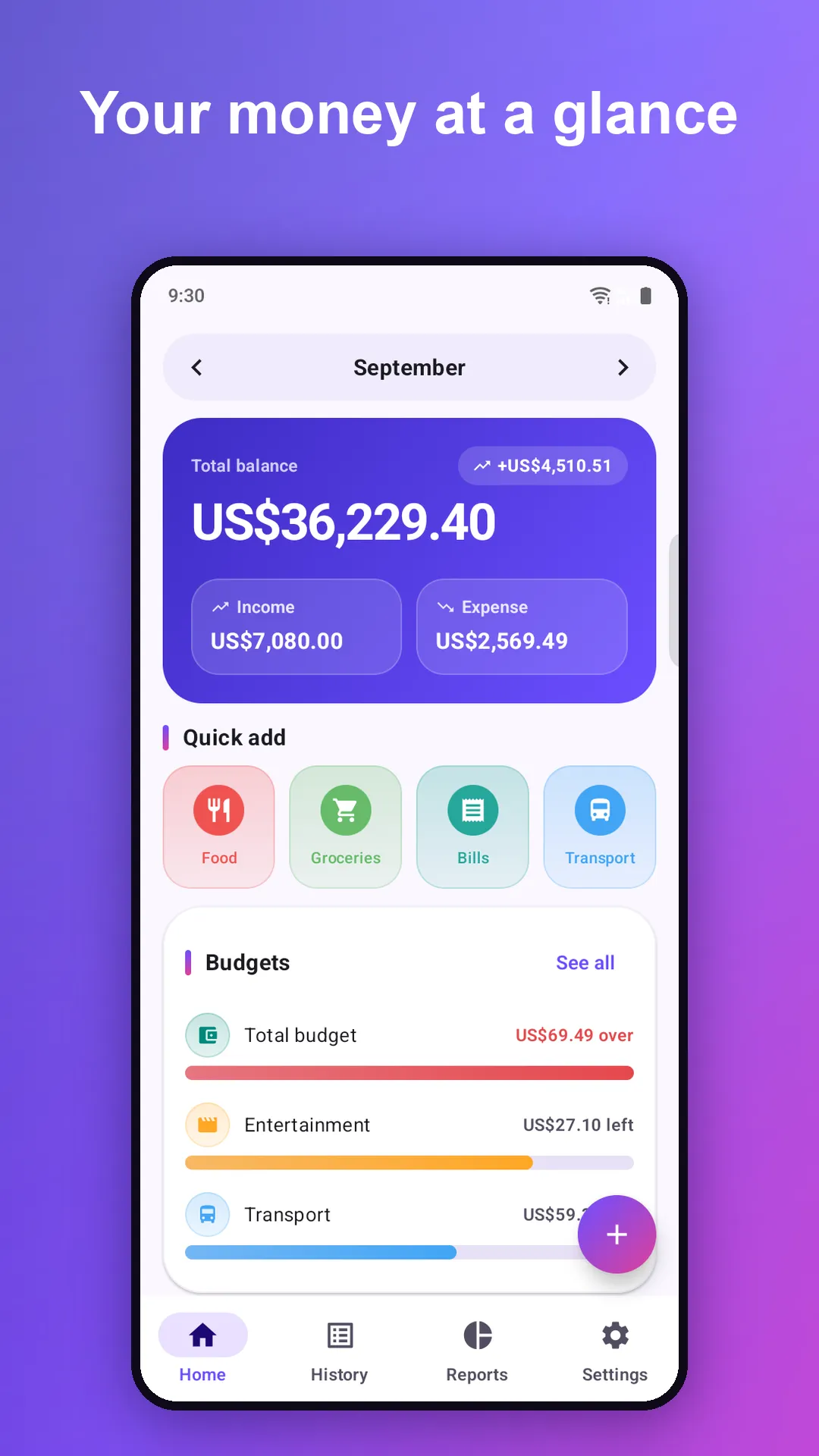
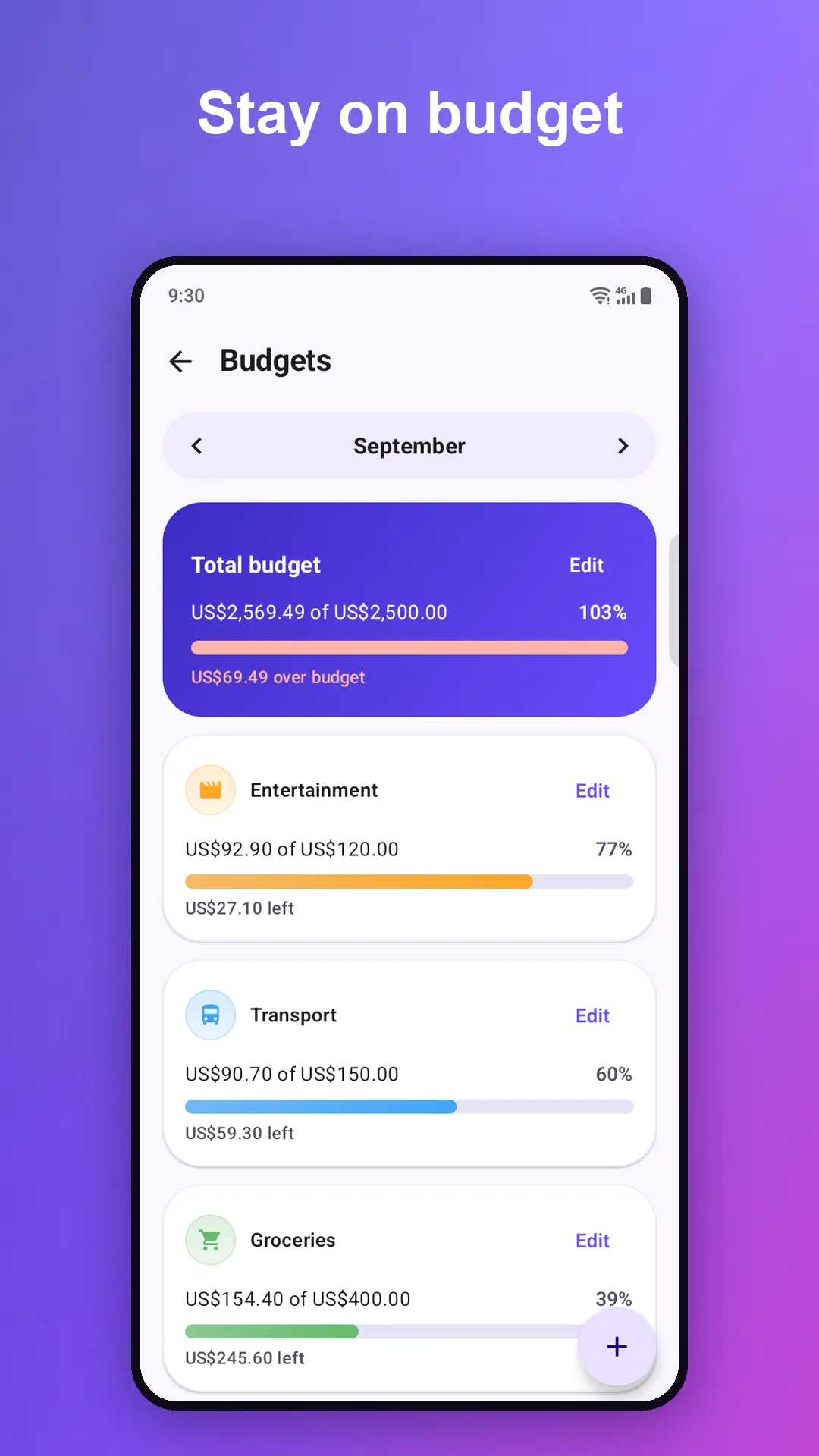
A monthly cap per category, plus one overall budget. Bars turn amber at 85% and red when you go over, so you see trouble coming.
🍔Food$150.00 left
The offline expense manager and daily budget diary. Log a purchase in three taps, set budgets that follow your payday, and see exactly where your money goes. No account. No sign-up.
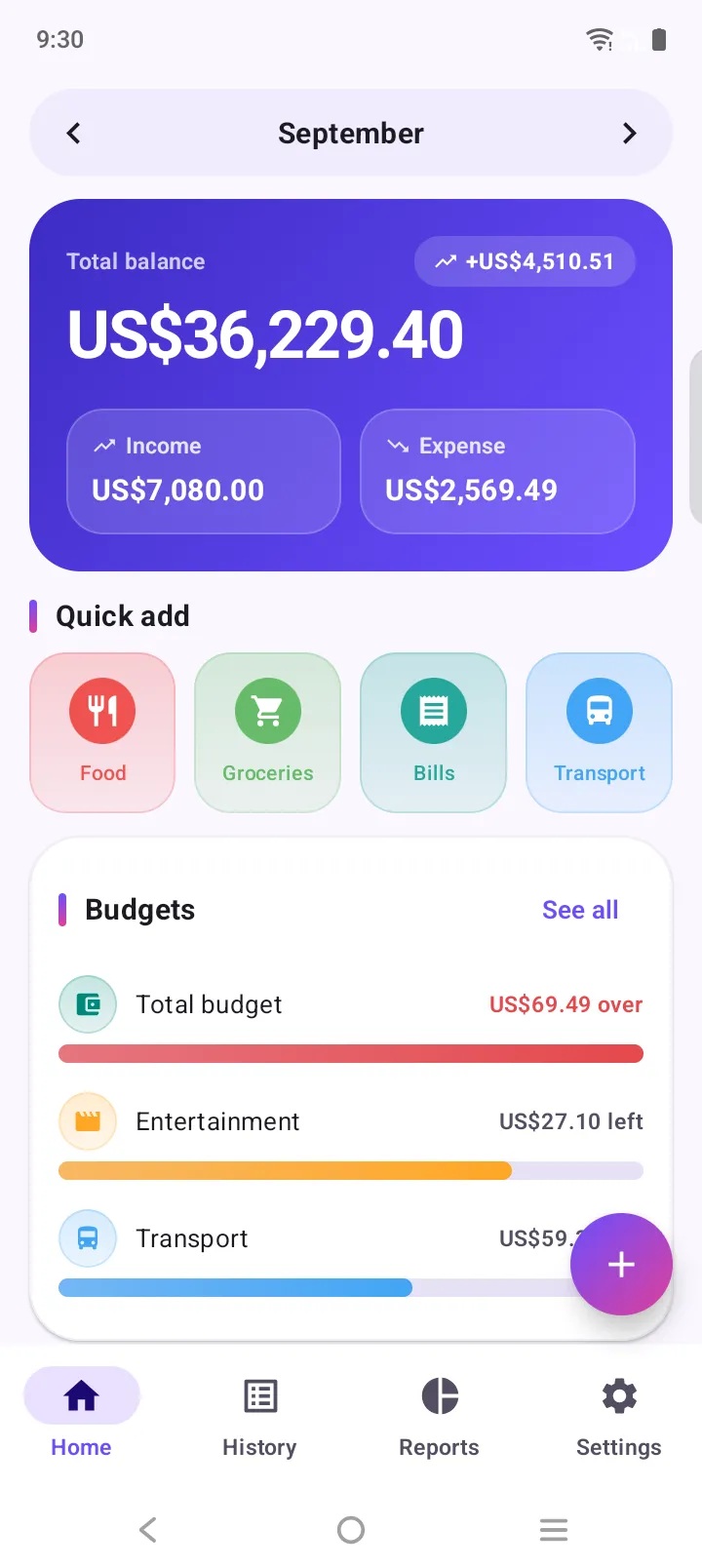
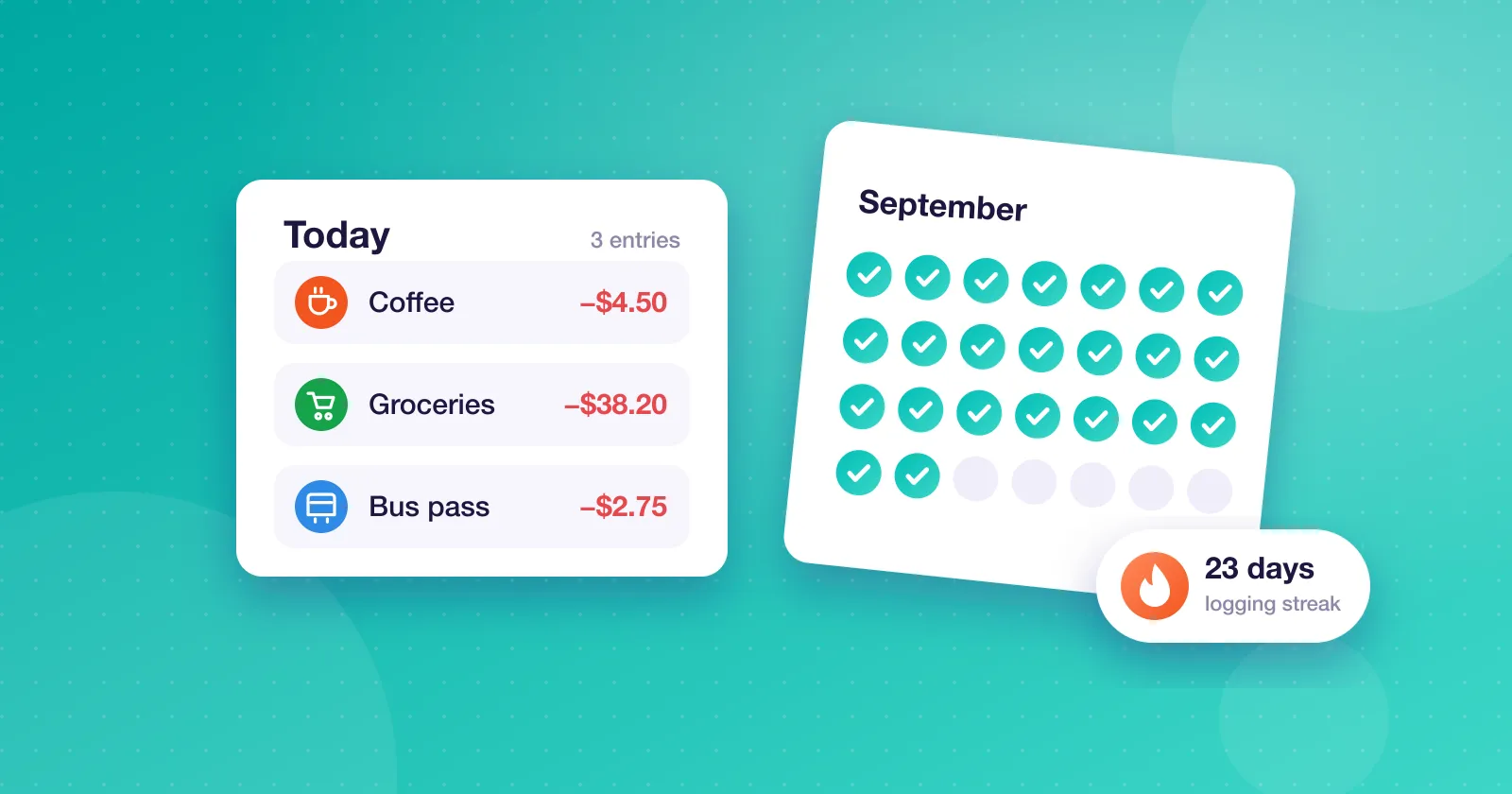
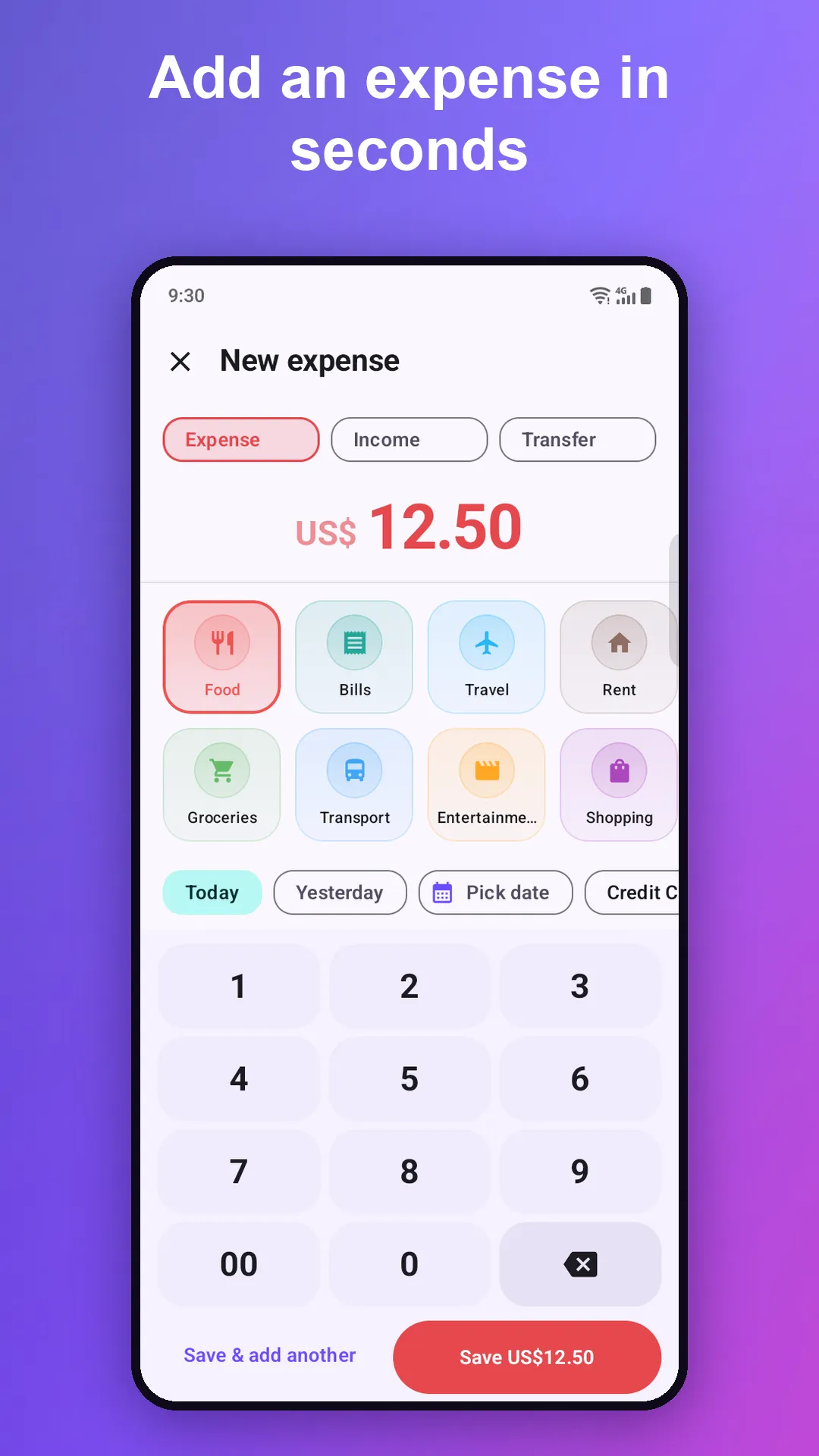
The fastest way to keep a money diary is the one you actually keep up with. Adding an expense takes a couple of seconds, so it never feels like a chore.
Expenses, income, budgets, recurring bills and reports, all in one calm, fast app that works without a connection.
A monthly cap per category, plus one overall budget. Bars turn amber at 85% and red when you go over, so you see trouble coming.
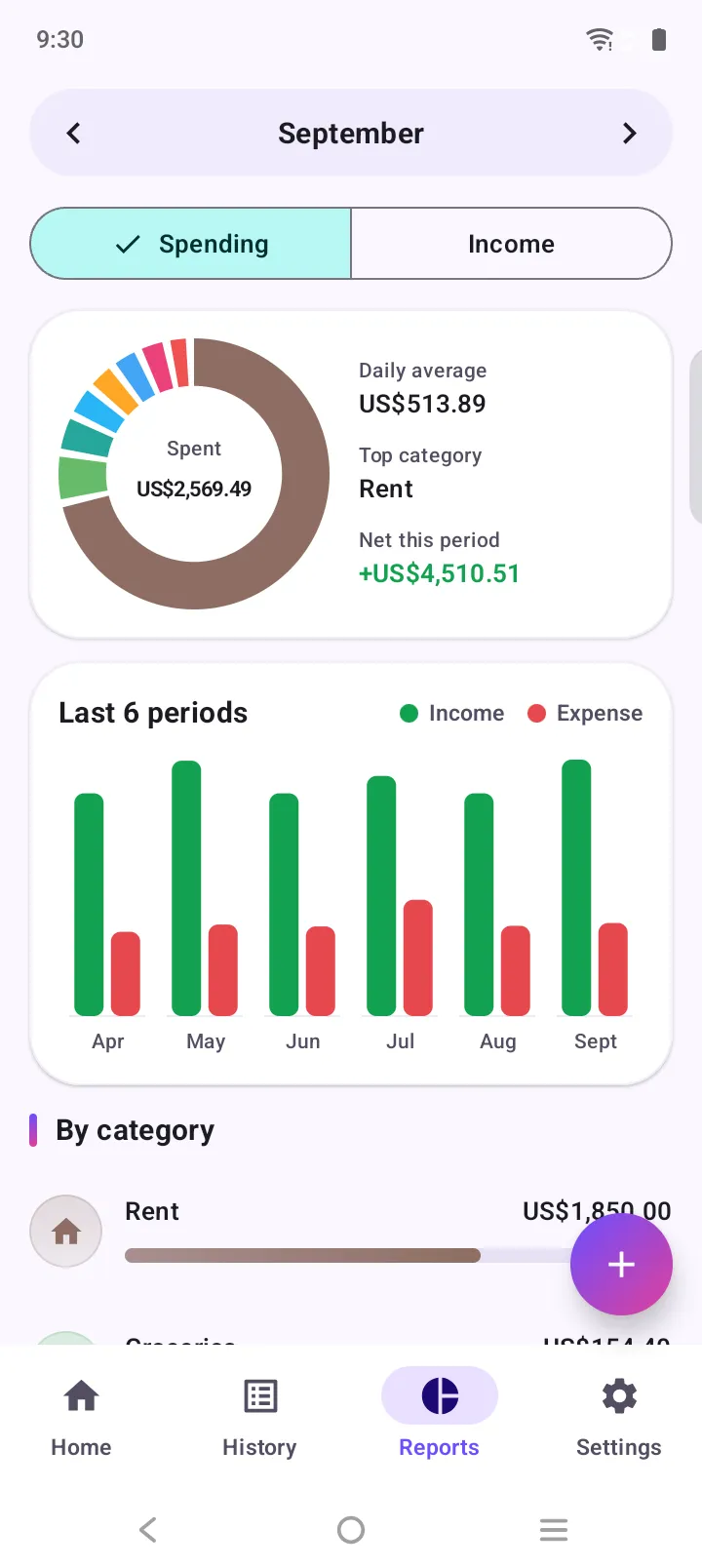
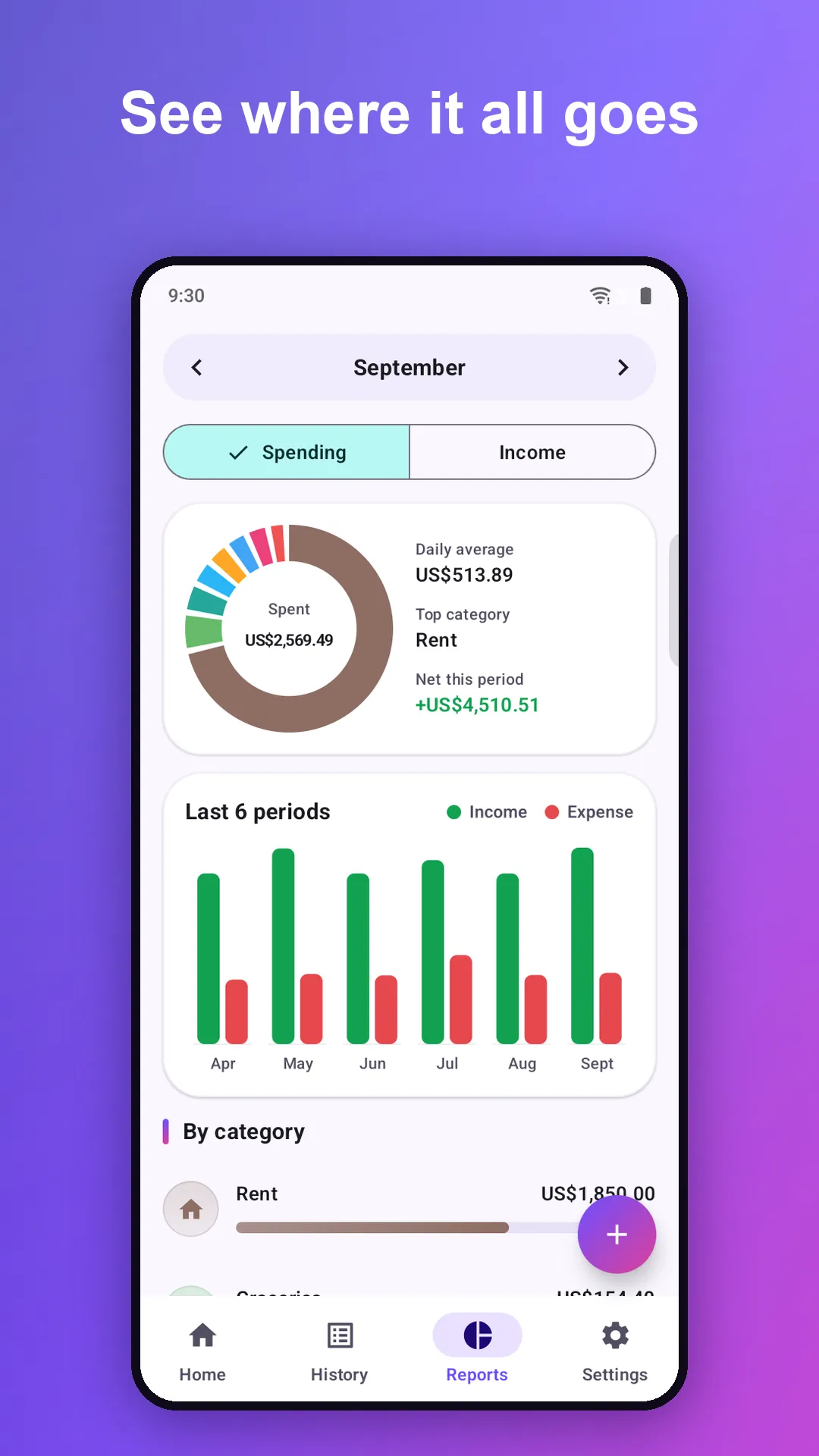
Spending by category, a six-month trend, daily average and top category. Tap a slice to see the transactions behind it.
Rent, salary, subscriptions: daily, weekly, monthly or yearly. It even catches up on ones it missed while the app was closed.
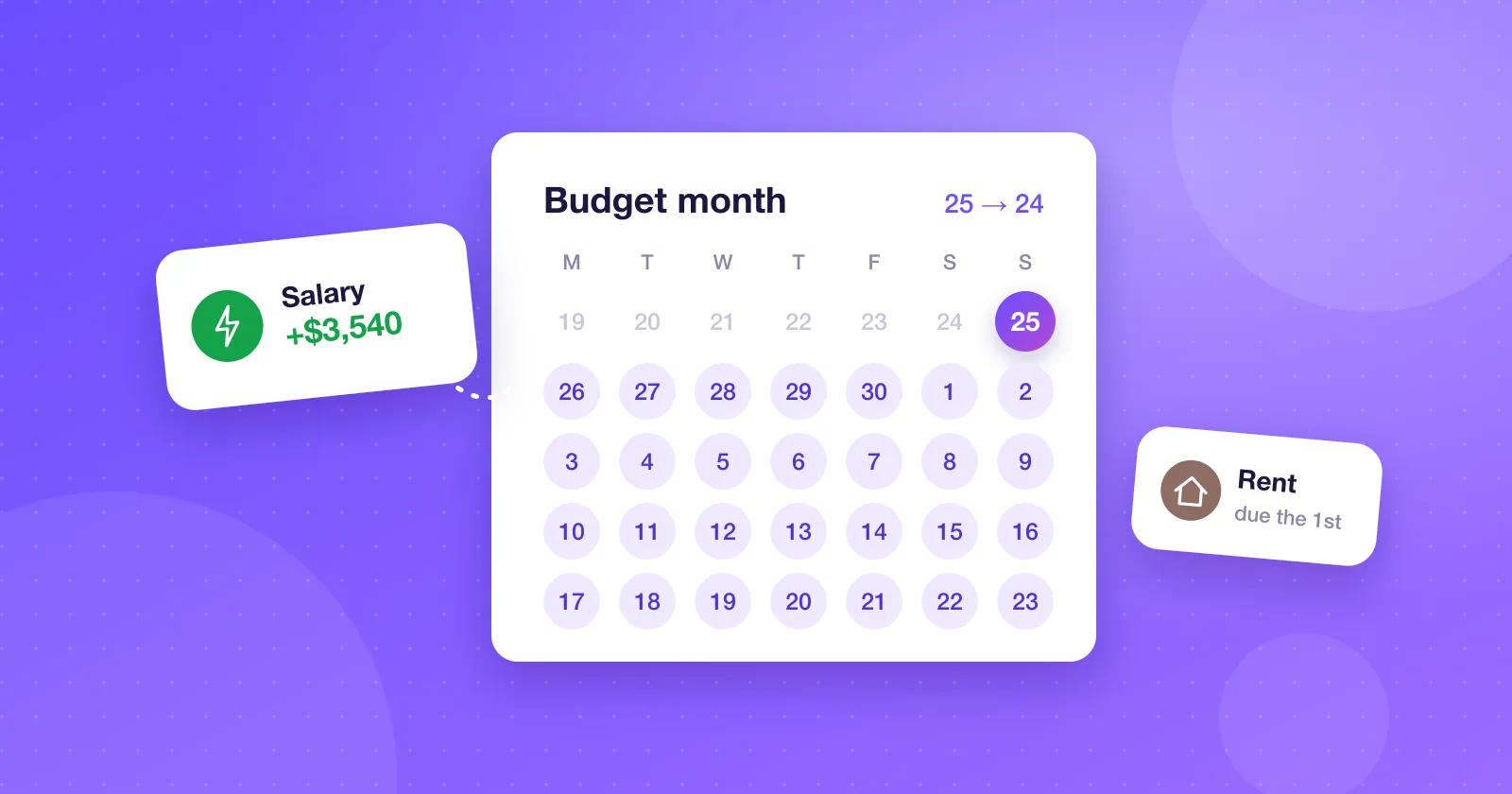
Paid on the 25th? Start your month on the 25th. Budgets and reports follow your pay cycle, not the calendar.
Cash, bank, card and savings with live balances, a net total, and transfers between them.
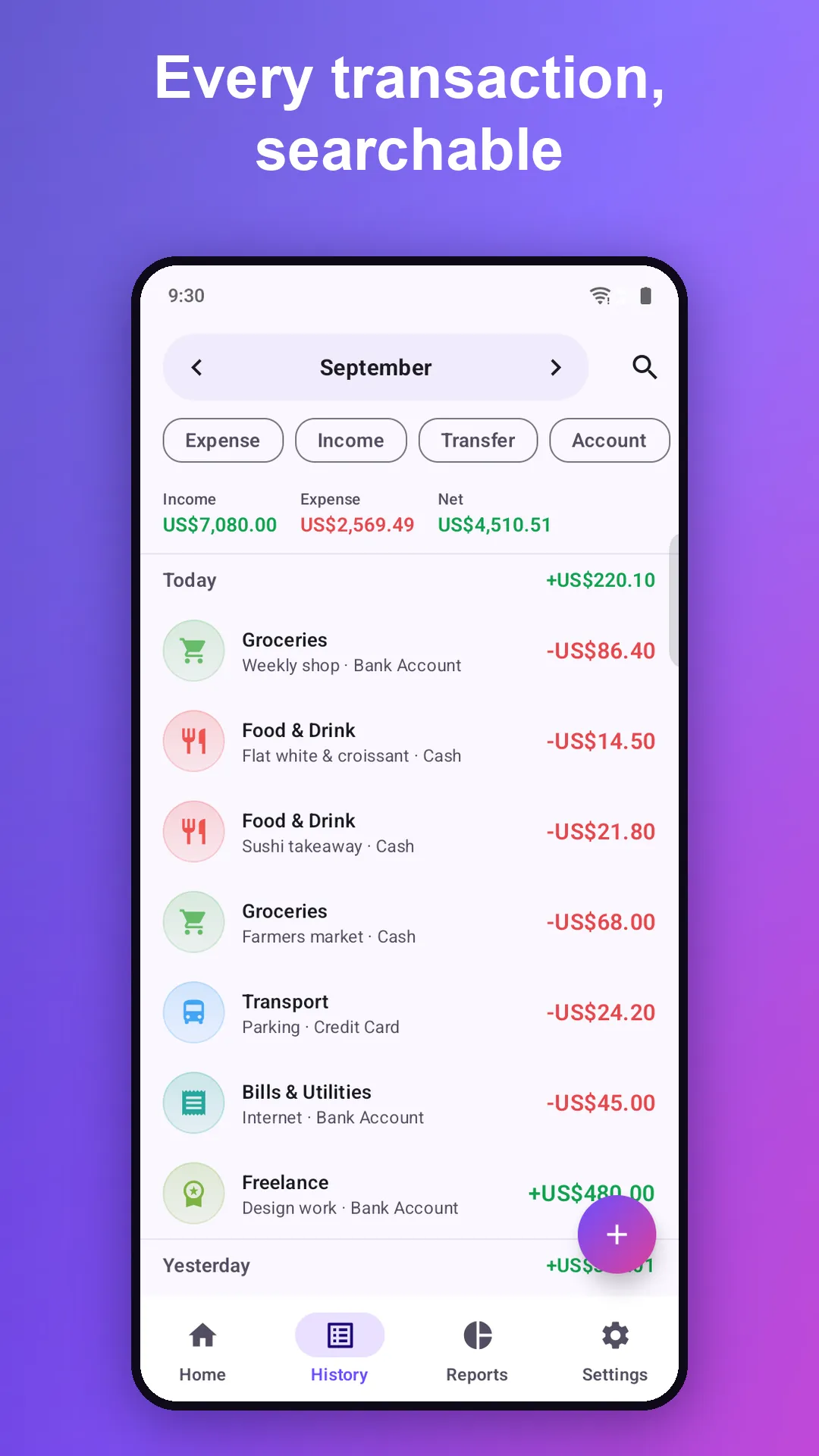
History grouped by day. Filter by type, account, category or period, and search your notes as you type.
Attach a photo of the receipt and add a note, so your diary says what the money was actually for.
Export to CSV any time. Full JSON backup and restore. Moving from another app? CSV import shows a dry run first, so you see exactly what will be added before anything changes.
Material You design, light and dark themes, and big friendly numbers. Money stuff, minus the stress.
Expense Manager works offline. Your financial data stays on your phone, where it belongs.
Your transactions, accounts and budgets live in the app on your phone. They are never uploaded to us.
Install and start. No email, no password, no profile to fill in.
Lock the app with your fingerprint or face, so a borrowed phone stays a closed book.
Export CSV or a full JSON backup to wherever you like, and restore it on a new phone.
Practical, no-jargon guides to budgeting, saving and building habits that stick.
Yes. It is free to download and use, with no subscription and no account needed.
No. There is no sign-up, email or password. Install the app and start logging straight away.
Yes. Logging expenses, budgets, recurring entries and reports all work without an internet connection.
Your transactions, accounts, categories and budgets are stored in the app on your phone. They are not uploaded to us. You can export them as CSV or a full JSON backup whenever you like.
Yes. Import a CSV file and the app shows a dry run first: how many rows it can read, their date range, which accounts and categories it would create, and how many rows it would skip. It understands common money formats like 1,234.50, 1.234,56 and (12.50).
Create a JSON backup in Settings, move the file to your new phone, and restore it there. Your transactions, accounts, categories, budgets and recurring entries all come back.
No. You log entries yourself, which only takes a few taps. Not linking your bank is part of what keeps your financial data private.
Yes. Set the day your month starts in Settings, for example the 25th, and budgets and reports follow your pay cycle instead of the calendar month.
Not yet. Expense Manager is currently available for Android on Google Play.
Free on Google Play. No account, no sign-up. Your first expense is three taps away.