
Start your month on payday
Pick your month start day in Settings. Budgets, reports and the home summary all switch to your pay cycle.
Most budget apps reset on the 1st, whenever your money actually arrives. Expense Manager lets your budget month start on payday, logs your paycheck automatically, and shows what you can still spend before the next one.
A paycheck budget app runs your budget from one payday to the next instead of from the 1st of the month. Expense Manager, a free Android app, lets you choose the day your budget month starts (any day from the 1st to the 28th), so every budget and report follows your pay cycle. Biweekly or weekly pay can be added once as recurring income and is logged automatically. No account and no bank linking.
Updated
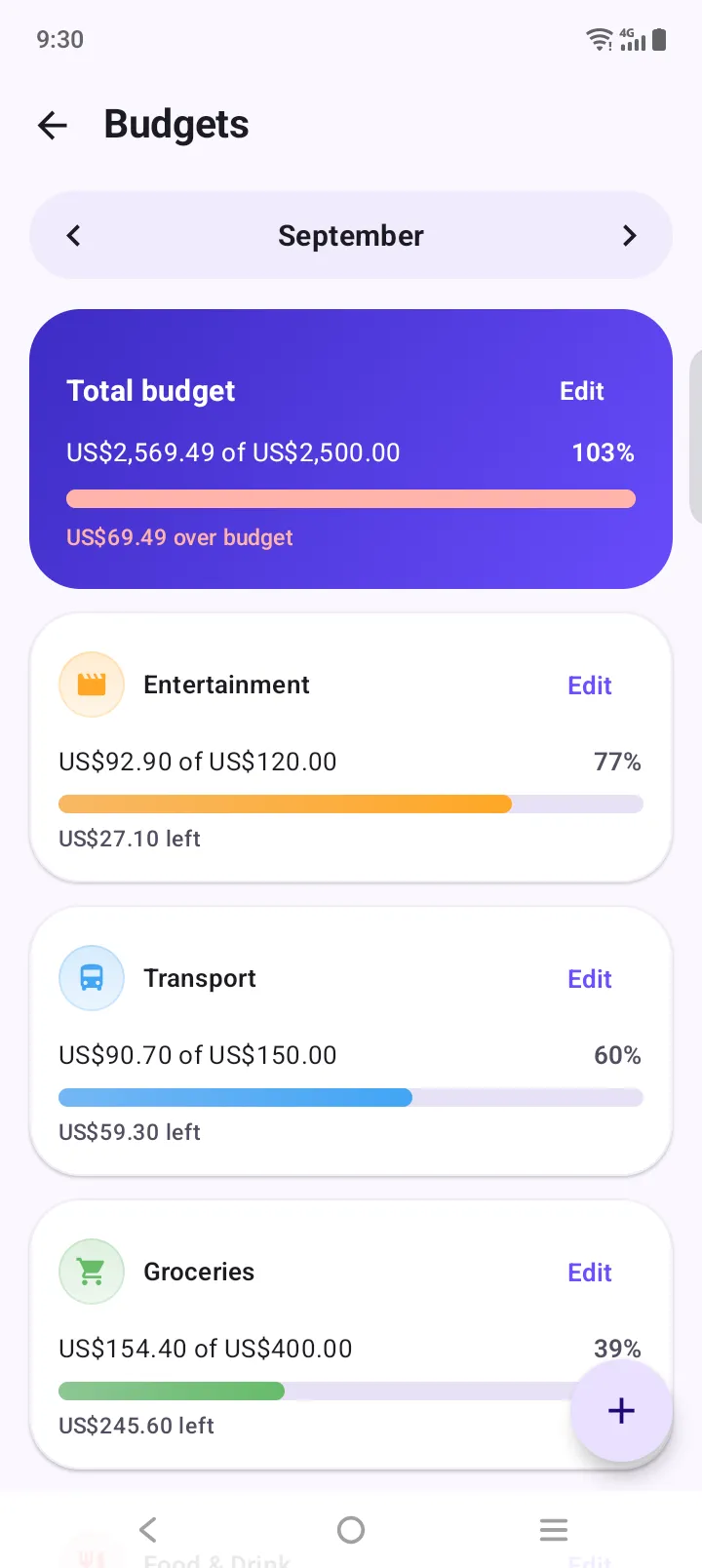
The top bar is a calendar-month budget. The bottom one starts on payday. Bills that fall before payday land in different months.
Three things make a budget follow your paycheck. Each takes under a minute.
Pick your month start day in Settings. Budgets, reports and the home summary all switch to your pay cycle.
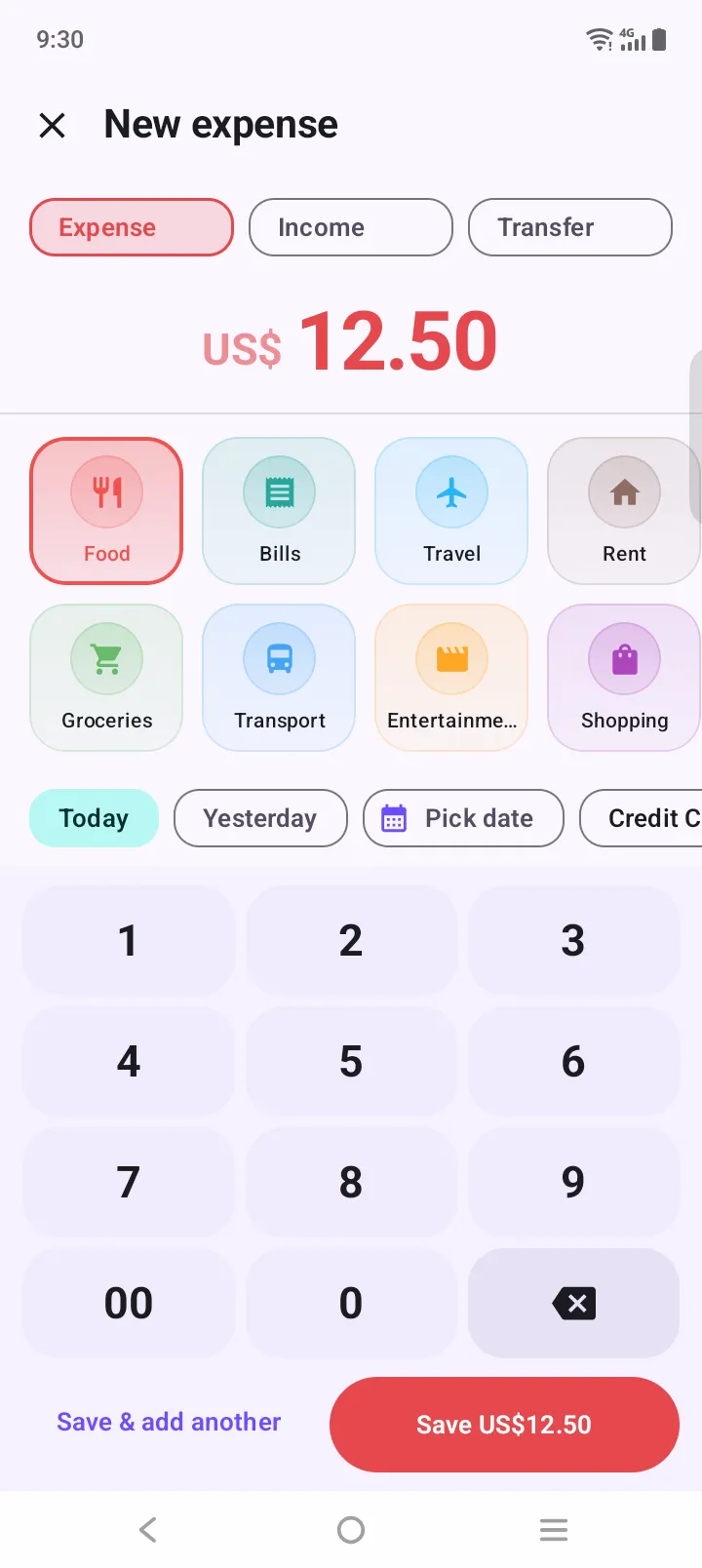
Weekly, every 2 weeks or monthly. It is posted on schedule, even for paydays when the app was closed.
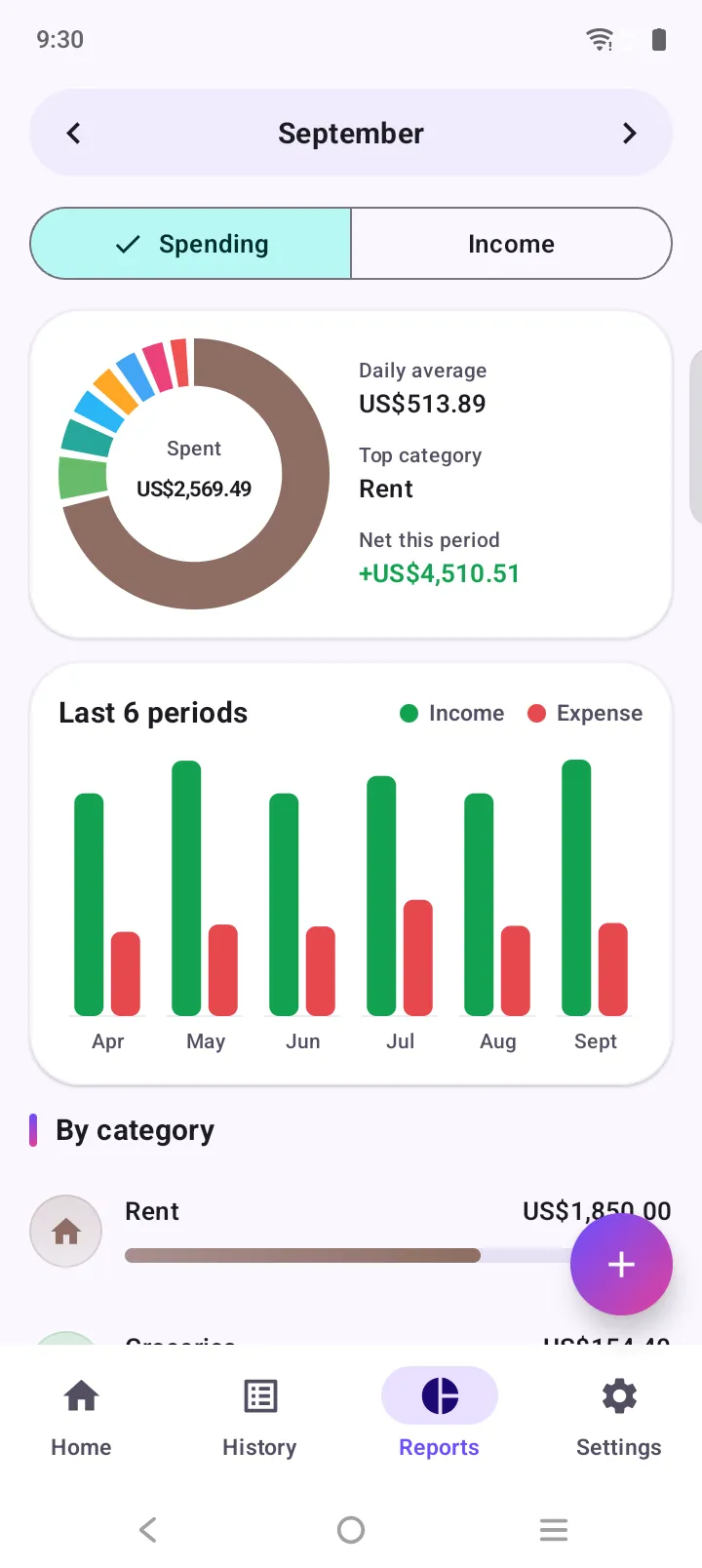
Reports show what you spend per day in this pay period, so you know if the money will last.
A calendar-month budget assumes your money arrives on the 1st. For most people it doesn’t. If you’re paid on the 25th, the first week of every “month” is funded by a paycheck that is already a week old, and the last week is a squeeze while you wait for the next one.
A paycheck budget fixes that by lining the period up with your pay. On payday the budget resets and the money is actually there. Bills that leave before payday sit in the same period as the paycheck that covers them, so your numbers stop telling you you’re fine when you aren’t.
If you’re paid every two weeks, you get 26 paychecks a year, not 24. Two months a year bring a third paycheck. Treat those as a bonus: budget each month on two paychecks and send the third to savings or debt. In the app, budgets stay monthly, and your paycheck is added automatically every two weeks so the extra paycheck months are easy to spot.
Big monthly totals are hard to feel. A daily average isn’t. If you have $600 for food and fun this pay period and 30 days to go, $20 a day is a number you can hold in your head at the shop. The reports screen shows your actual daily average so far.
The same money, two ways of slicing the month.
| Feature | Calendar-month budget | Payday budget in Expense Manager |
|---|---|---|
| When the month starts | On the 1st, whatever your pay date | On your payday, any day from 1 to 28 |
| Money on day one | Often what’s left of last month’s pay | A fresh paycheck |
| Bills due before payday | Land in a month the paycheck hasn’t reached | Land in the period they’re paid from |
| End-of-month squeeze | Budget “resets” while you’re still broke | Resets the day money arrives |
Set the month to start on payday and every budget lines up with your salary, not the calendar.
Add the paycheck once as recurring every 2 weeks. The two “extra” paycheck months show up as extra income.
Use the “This week” view and weekly recurring income to check each week on its own.
Log income as it lands and keep budgets on a fixed start day of your choosing.
Keep an eye on the daily average and use the daily reminder to log before bed.
Start the month the day the allowance arrives and make it last to the next one.
How payday budgets, biweekly pay and daily budgets work in the app.
A paycheck budget app plans your spending around when you get paid instead of around the calendar month. In Expense Manager you set the day your budget month starts, any day from the 1st to the 28th, so budgets and reports run from payday to payday.
Yes. Set your month start day in Settings, for example the 25th. Every budget, report and the home summary then runs from the 25th to the 24th of the next month.
Yes, with one honest caveat: budgets in the app run monthly, not in two-week periods. Add your paycheck once as recurring income every 2 weeks and it is logged automatically, including the months with a third paycheck. To see a single pay period, pick a custom date range in reports or history.
Add your pay as recurring income every week. The period picker has a “This week” view that honours your chosen week start day, so you can check each week’s spending against that week’s pay.
Yes. Reports show your daily average spending for the period, and an optional daily reminder nudges you to log the day’s purchases before you forget them.
No. There is no sign-up and no bank linking. You log entries yourself in about three taps, and your data is stored on your phone.
Yes. Expense Manager is free on Google Play with no subscription. It is available for Android only for now.
Free on Google Play. No account, no sign-up. Your first expense is three taps away.