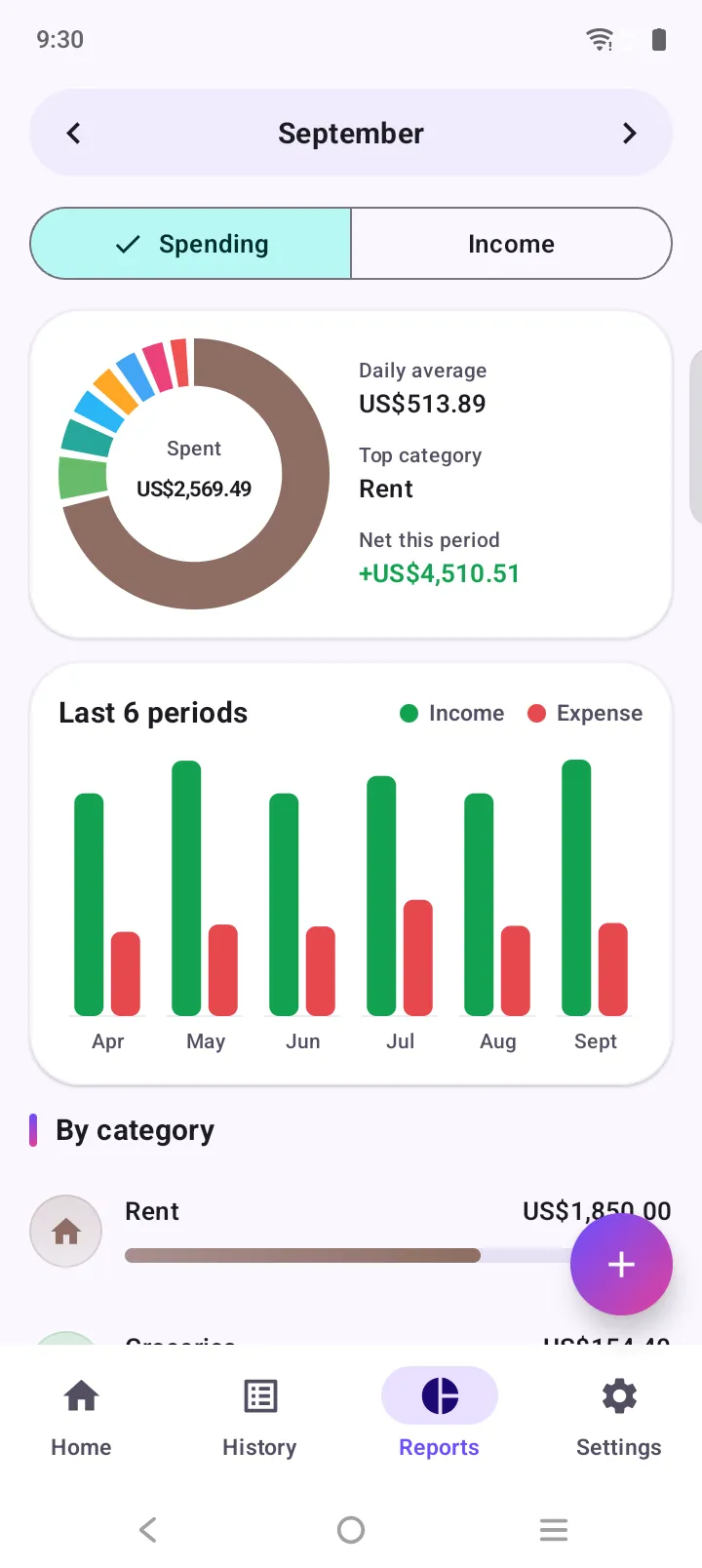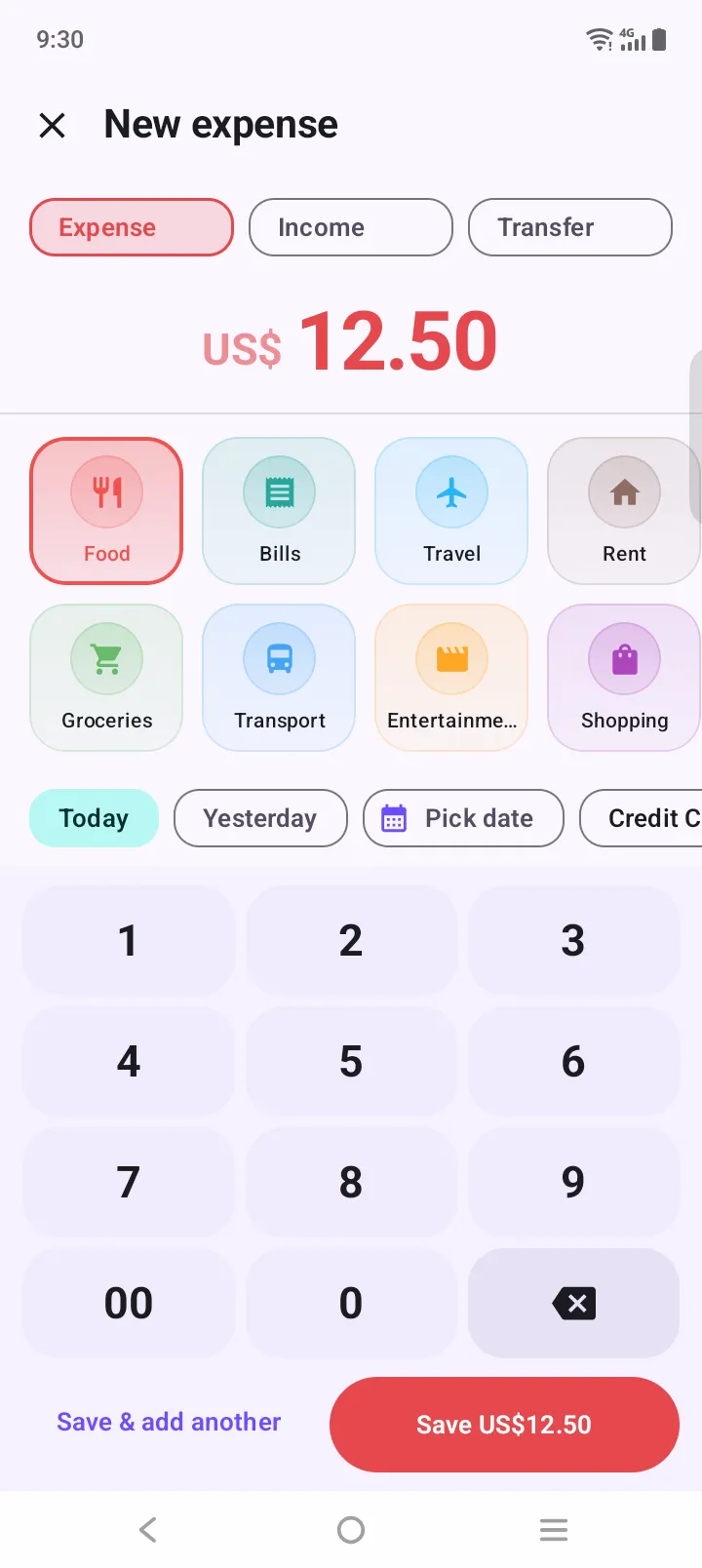
Add your paycheck once
Set it as recurring income every 2 weeks. It is logged on each payday automatically.
Biweekly pay is great until rent is due the day before payday. Here is a simple six-step method, a calculator that shows your extra paycheck months, and a free app to keep it running.
To budget a biweekly paycheck: list your monthly bills, assign each one to the first or second paycheck of the month by due date, budget each month on two paychecks, split the remainder into spending and savings, and decide in advance what to do with the third paycheck that arrives in two months of the year. Biweekly pay means 26 paychecks a year, not 24.
Updated
List every fixed bill and its due date: rent, utilities, phone, insurance, subscriptions and minimum debt payments.
Pay bills due between the 1st and 14th from the first paycheck of the month, and bills due from the 15th from the second, so neither paycheck carries everything.
Plan each month as if you receive exactly two paychecks. That is your baseline, even though some months bring three.
After bills, divide each paycheck’s remainder into spending categories such as groceries, transport and fun, plus savings.
A biweekly schedule gives 26 paychecks a year, so two months usually have three. Decide in advance where the third paycheck goes: savings, debt or a sinking fund.
Log spending as it happens and check the totals each payday. Adjust categories that run over before the next pay period starts.
Enter your take-home pay, your first payday and your monthly bills. Nothing you type leaves this page.
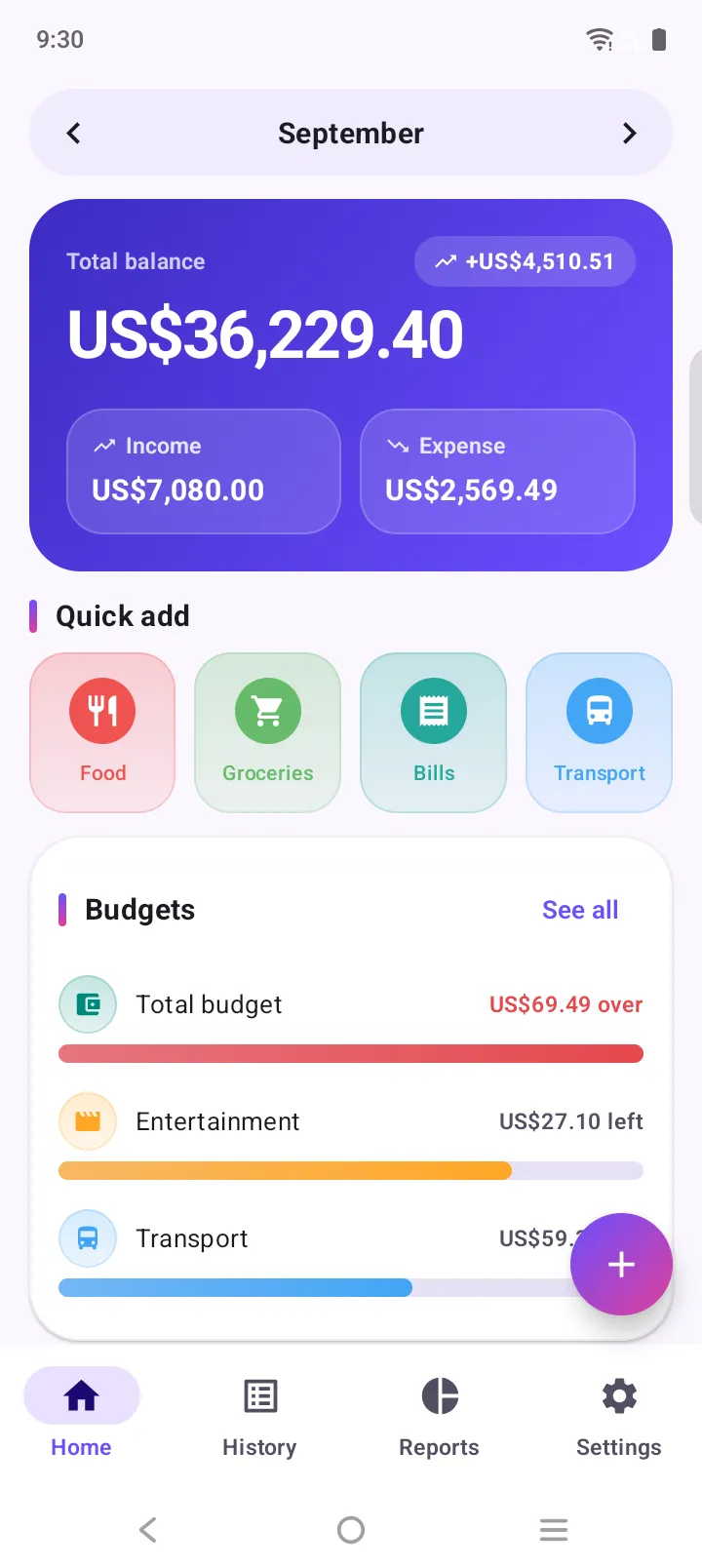
Expense Manager is free on Android, needs no account and never links to your bank.
Set it as recurring income every 2 weeks. It is logged on each payday automatically.
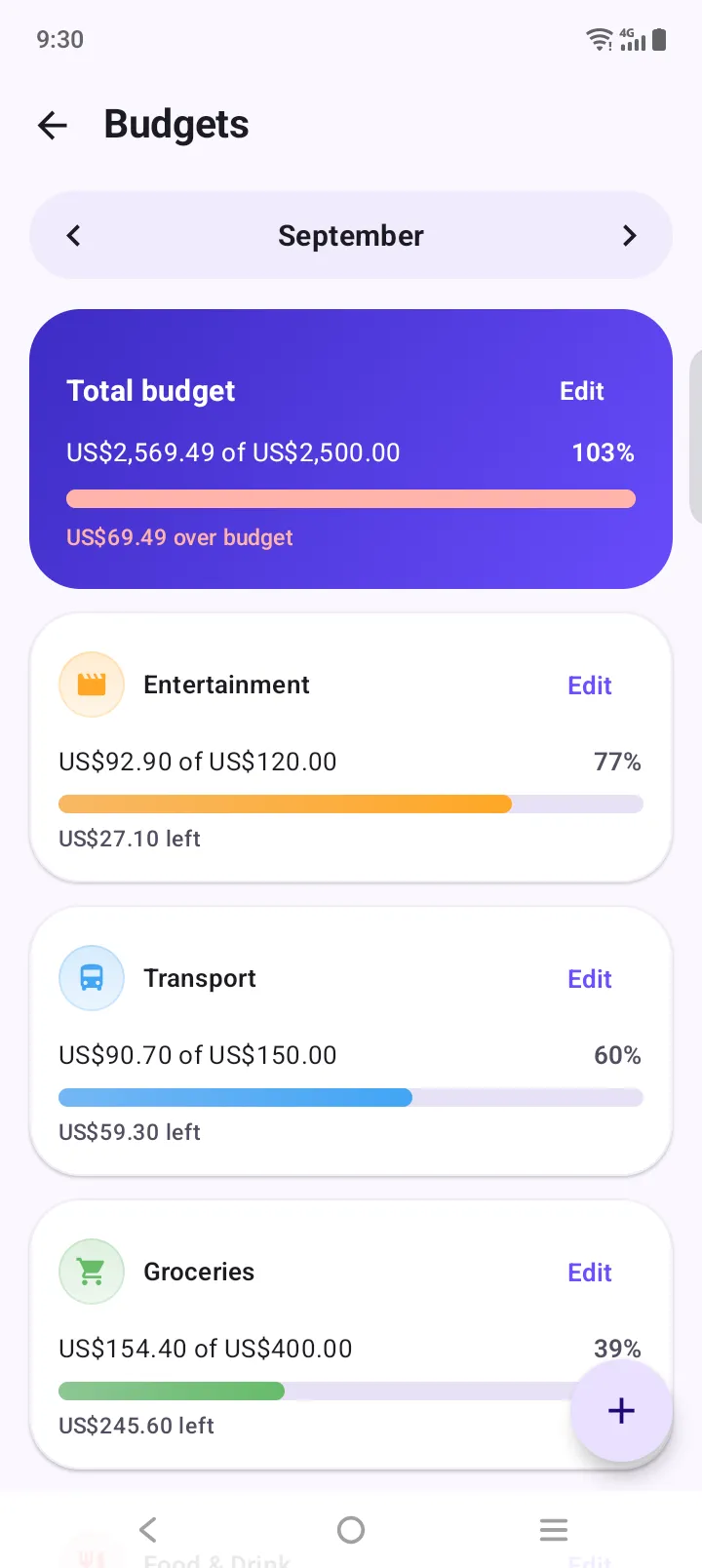
Give groceries, transport and fun a limit. Bars turn amber at 85% and red when you go over.
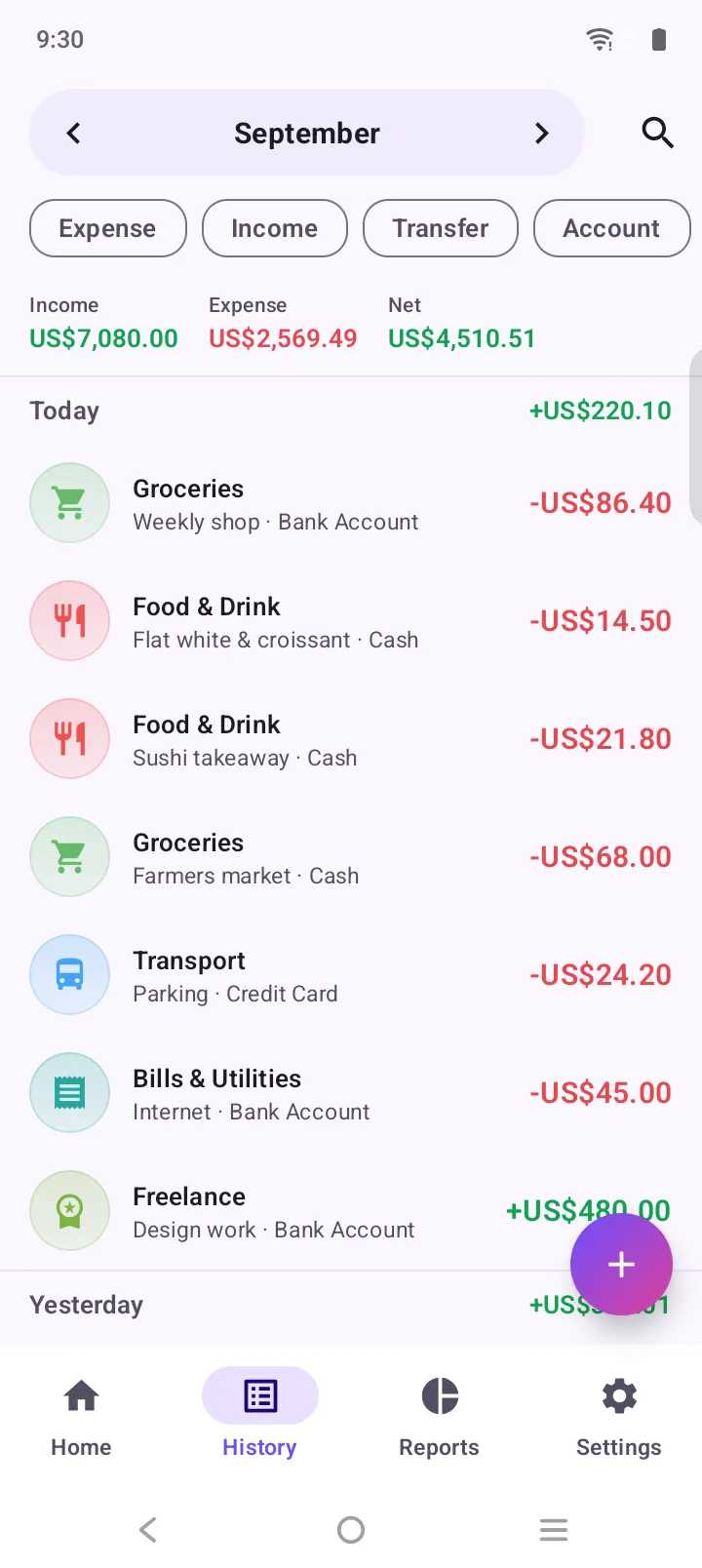
Pick a custom date range in history or reports to see exactly what one paycheck covered.
Monthly pay is simpler to plan but harder to stretch: one paycheck has to last 30 days. The key change is to start your budget month on payday, not on the 1st. If you’re paid on the 25th, your budget runs from the 25th to the 24th. Rent due on the 1st is then paid from money that has already arrived, and the budget resets on the day you actually have money again.
Then divide the month into four rough weeks and give yourself a weekly spending number for groceries and day-to-day costs. It is much easier to notice you’re over in week two than at the end of the month. In Expense Manager you can set the month start day to your payday, and the “This week” view shows each week’s spending.
Read more in why your budget month should start on payday.
Averaging 2.17 paychecks a month looks tidy, but ten months only bring two. Budget on two and treat the rest as extra.
If rent and the car payment both come from the first paycheck, the first two weeks are tight and the last two loose.
If it isn’t planned, it gets absorbed. Name its job before it arrives.
Car repairs and annual fees aren’t monthly, but they still come. A small sinking fund per paycheck smooths them out.
Your money arrives on paydays, not on the 1st. Plan around the dates the money is really there.
A plan without tracking is a wish. Logging each purchase takes seconds and shows where the plan breaks.
List your monthly bills, assign each one to the first or second paycheck of the month based on its due date, budget the month on two paychecks, split what is left into spending and savings, and plan ahead for the two months a year that bring a third paycheck.
Usually 26. Because 26 paychecks don’t divide evenly into 12 months, two months a year normally contain three paydays. Occasionally the calendar produces 27 paydays in a year.
Both work. Many people keep a monthly budget based on two paychecks and use the paycheck split only to decide which bills each paycheck covers. If money is tight, budgeting each paycheck on its own gives a clearer picture of what you can spend right now.
Because your monthly budget already assumes two paychecks, the third one is free money. Common choices are an emergency fund, paying down debt, or topping up sinking funds for irregular costs.
Start your budget month on payday rather than the 1st, so the money and the bills it pays fall in the same period. Bills due just before payday are then paid from the paycheck that is already in your account.
Yes. Add your paycheck once as recurring income every 2 weeks and the app logs it automatically. Budgets in the app run monthly from a start day you choose; to look at a single pay period, pick a custom date range in reports or history.
Free on Google Play. No account, no sign-up. Your first expense is three taps away.